

Information security refers to the protection of information from unauthorized access, use, corruption, change, disclosure, and destruction. In this post, today, we’ll focus on how to protect personal information online and the importance of data protection. You must take preventive action to protect your personal information from unauthorized access.
What is Personal Information?
Personal information is any information that can be used to identify a human or person in society. The information can be sensitive or important. You can reduce your risk of identity theft by protecting your personal information.
A person may have several pieces of information, and most of the information needs to be kept private, which is as follows:
- Name
- Personal ID numbers (Such as Social Security Number, Driver’s license, Passport, Employee ID, Taxpayer ID, Bank account)
- Addresses (Mailing and Permanent)
- Vehicle ID Numbers
- Phone numbers.
- Email address.
Personal information can be easily compromised by hackers or unauthorized users online. You should know what type of information is to be kept private online. Moreover, it is also important to understand why protecting your personal information online is crucial.
How to Protect Personal Information Online?
The data can be breached in many ways. The main goal of personal data protection online is to ensure the security of data from hackers and malware, and to maintain reputation. There are 10 ways that you can protect your personal data online. Data protection is also known as information security or computer protection.
1. Use a Strong Password
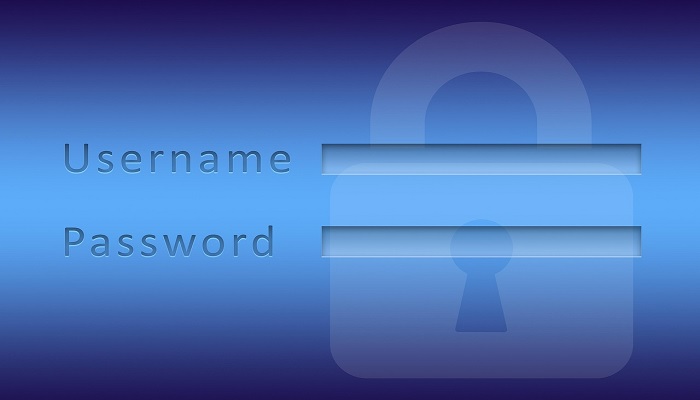
First, important tips to protect personal information online are to use strong passwords for social media accounts or online systems. Never use a simple password such as date of birth, mobile no, or employee ID to ensure data security.
Tips:
To create a strong password, you should use a combination of letters (Capital and Small letters), numbers, and special characters. The password length should be a minimum of 12 characters in total, and the password should be changed regularly.
For example: Bd4+2net6%9T is a strong and standard password.
2. Careful Use of Email
If you think you have received a suspicious email, then don’t click on that email and don’t download or open the attachment file. The email may contain a malicious link; if you click on the link, it may redirect you to a vulnerable website that can hack your personal data.
Tips:
- Before downloading and installing software, check that the source site is trusted.
- Delete the suspicious email and don’t respond to ensure data security.
- Don’t provide your personal information on unknown websites.
- You can direct phone call to the sender to confirm as he sends the mail.
Note: A Trusted website is secured by SSL (Secure Socket Layer).
3. Provide Information on Secure site
This is another important tip to protect your personal data online. Whenever you need to provide your personal or business information on a website, make sure that the website is secure with an SSL (Secure Socket Layer) certificate. In URL, it will start with https:// such as: https://hafsatech.com.
4. Use Antivirus Software
If you’re busy with the internet, then you should install antivirus software. Antivirus software is a program that helps to protect your computing devices, data files, and other important files against viruses, worms, Trojan horses, and unwanted threats.
It scans every file that comes through the online and helps to prevent damage to your system. The main aim of an antivirus program is to protect your computer’s data and remove viruses.
Tips
Use a professional antivirus software to protect your computer data, such as Norton, Bitdefender, Kaspersky, Panda, ESET, Avast, and AVG.
5. Avoid Phishing Emails
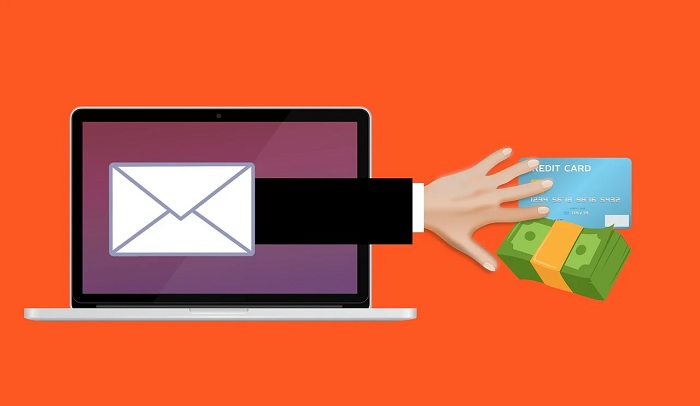
Phishing is a type of social engineering attack that attempts to gain sensitive and confidential information such as usernames, passwords, credit card information, login credentials, and so on. In a phishing attack, an attacker sends phishing emails to your email address to steal your personal information.
So, to keep the security of your computer or mobile phone, please avoid or don’t click on or don’t open such a type of mail and don’t provide your sensitive information.
6. Don’t Visit Porn Sites
The traffic of porn websites is increasing day by day. Most people know that porn websites may contain viruses and malware. However, they don’t seem to avoid it. A porn website includes lots of advertisements, and it looks attractive.
Hence, the malware creators hack the advertisement servers and include the malware in those advertisements, and some websites have malware. When a user visits a porn site and clicks on such an advertisement, then he gets infected with malware.
So, to be safe from malware and if you want to protect your personal information online, please don’t visit and don’t click on the advertisements and banners.
7. Secure Your Computer
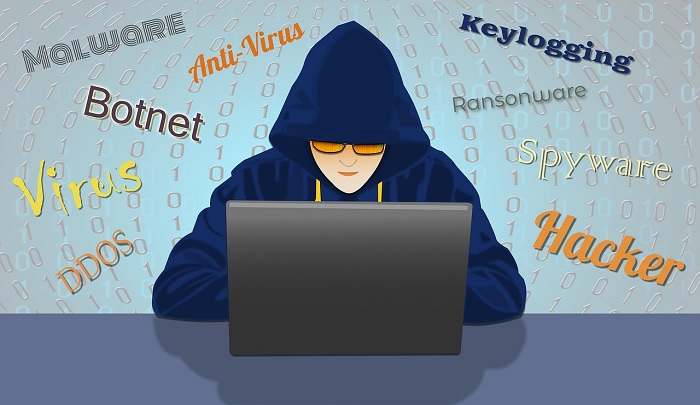
To protect your personal information, you should secure your computer. Typically, computer security is the process of protecting a computer system from theft, hackers, and unauthorized access. You should take more security measures in order to ensure the information security of your computer.
To learn more about how to protect a Computer?
8. Up-to-date Operating System
This is another important point to protect your computer data. The cybersecurity expert recommends updating your operating system with the latest security patches. It will ensure that your computer is up-to-date and free from viruses and other cyber threats.
Tipsf
- Open Windows Update by clicking the Start button > Control Panel> System and Security> and clicking Windows Update.
- In the left pane, click Check for updates, and then wait while Windows looks for the latest updates for your computer.
- If any updates are found, then click Install updates
9. Data Encryption
Data encryption helps to protect your personal information online. Encryption is the data loss prevention best practice for protecting data from cyber threats and unauthorized disclosure. It ensures that only authorized users can access encrypted data while at a store or in transit.
Encryption means plain text data will be converted into an unreadable format (ciphertext), which protects sensitive data such as financial information and login credentials from unauthorized access. There are different types of encryption methods, such as AES, MD5, and SHA 1 are used to encrypt and decrypt the data.
For example, of encrypted data:
Plain text: Credit card number: 47656768789294
Cipher text: 33ZeagS50GL21lwr3/FfUQ==
10. Digital Signature
A digital signature is the last significant step in securing personal data online. It is a type of data security measure which used to validate the authenticity and integrity of digital information or documents such as e-mail, spreadsheet, and text file.
A digital signature is used to authenticate the contents of electronic documents in order to ensure data security. It uses encryption techniques and guarantees that the contents of a message have not been altered in transit. This signature is used in e-commerce, software distribution, and financial transactions.
Why is it Important to Protect Personal Information?
Now, we’re going to discuss why you need to protect your personal or sensitive information. In addition, you must take preventive action to protect your information from unauthorized access.
The primary aim of data security is to protect the organization’s or individuals’ data, such as stores, transactions, knowledge, communications, and infrastructure. Here, we have mentioned the reasons why it is important to protect your personal information, which are as follows:
To Protect from Malware
Malware is a type of software program that is designed to infect your computer and is used to steal your personal and financial information. There are a number of ways that a hacker can access your computer, such as sending a malicious email, using adware, and installing spyware.
The malware can be installed as a hidden component of original software or can be installed as traditional malware, such as deceptive ads, email, instant messages, and more.
So, it can be said that malware is harmful to users and their computing systems. That’s why it is very important to protect your personal information from malware attacks.
To protect from Phishing
It is very important to protect our personal information from phishing attacks. Phishing is a type of social engineering attack that attempts to gain sensitive and confidential information, such as your personal information, usernames, passwords, credit card information, and more.
There are many ways that an attacker can send phishing emails to your email address to steal your personal information. Deceptive phishing is one of the most common traditional phishing techniques to steal personal information.
So, to protect your personal information, you have to prevent Identity theft. There are different ways that you can prevent identity theft, which are as follows:
- Make sure you are using a strong password.
- Must ensure that online sites are secure with Secure Socket Layer (SSL).
- Check your financial transactions regularly.
- Be careful about online shopping.
- Use your computer.
- Be careful when downloading the malicious software or apps.
- Secure your confidential documents.
To Protect Financial Information
Cybercriminals can access your banking or financial information and make unauthorized withdrawals, purchases, and transfers of money to others’ accounts.
Every day, we hear of new risks to our financial information, so it is more important to protect our financial information from cyber criminals. Although financial websites are encrypted, some tips may ensure your money is as safe as possible:
- Don’t share your banking information with anyone.
- Use strong and unique Passwords.
- Enable 2-factor authentication.
- Only make online purchases from secure sites.
- Never save your payment information online.
- Maintain your computer security.
- Log out completely.
To Protect Employability
If you want to build a successful career and keep your reputation and efficiency, then you should never provide your personal information that might negatively influence a prospective employer.
You have to be very careful that your employer does not disclose your personal information to a third party unless you have been informed about this and given your consent.
To Maintain the Business’s Reputation
Maintaining the business’s reputation is the last reason why it is very important to protect your personal information. If you fail to protect your customers’ data, then it can affect customers’ trust in your business brand because trust is a key factor in consumers’ purchasing decisions. So, you must protect customers’ personal information for your business’s reputation.
Conclusion
Information security is not only essential for organizations, but it is also important for your personal computer and mobile devices, which could be the next target for an attacker.
It is very important to protect your personal information from hackers or unauthorized access. We have mentioned the best 10 tips on how to protect personal information online, and also discussed why it is important to protect your personal information. Hope the article will be helpful for you!